|
Cacti : Email Notification Settings
2016/06/08 |
|
Configure Email Notification Settings.
|
|
| [1] | Download a plugin like follows. Make sure latest one and get it on the site below. ⇒ http://docs.cacti.net/plugins |
|
root@dlp:~# wget -P /usr/share/cacti/site/plugins http://docs.cacti.net/_media/plugin:settings-v0.71-1.tgz root@dlp:~# tar zxvf /usr/share/cacti/site/plugins/plugin:settings-v0.71-1.tgz -C /usr/share/cacti/site/plugins |
| [2] | Login to Cacti admin site and click "Plugin Management" on the left menu and click cursor on the Settings field icon in the right pane. |
|
|
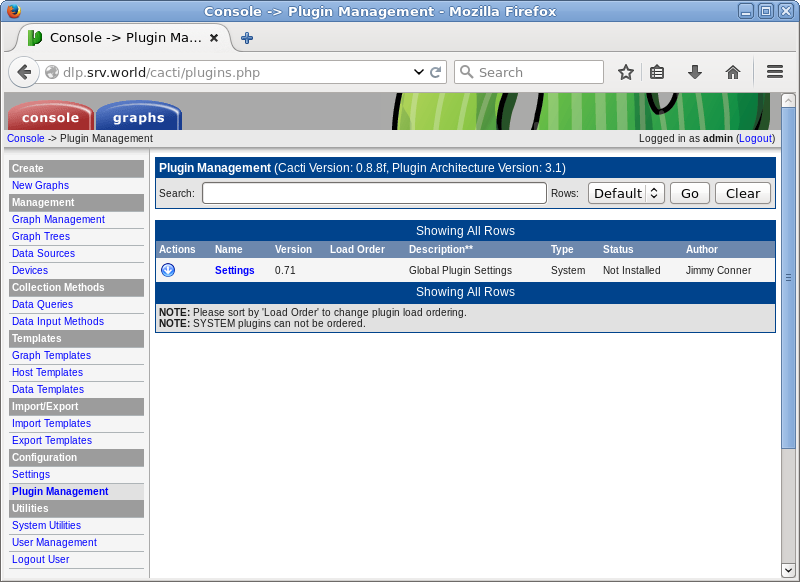
| [3] | Click cursor button to enable the plugin. |
|
|
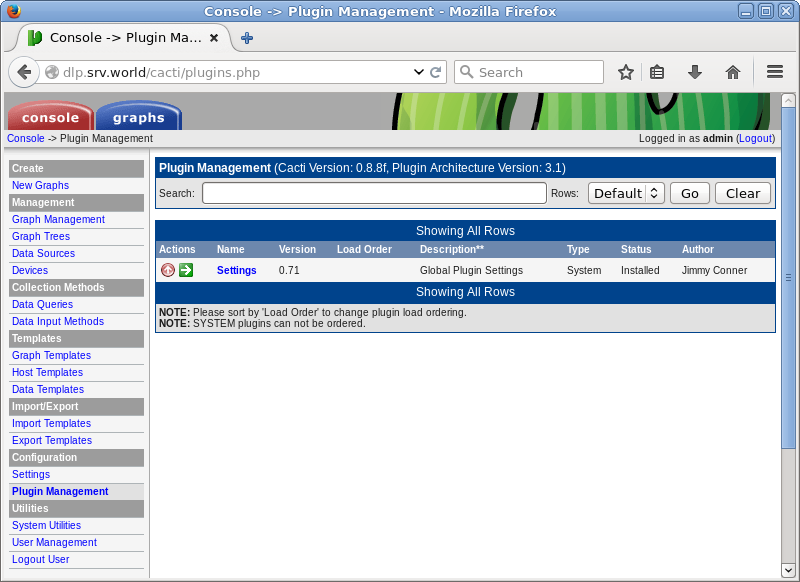
| [4] | After enabling, the stauts turns to Active. |

|
| [5] |
Click "Settings" on the left menu and move to "Mail/DNS" tab on the right pane and input items like follows and click "Save" button.
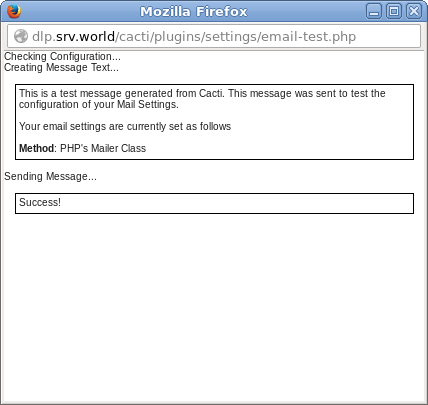
After saving settings, click "Send a Test Email" to make sure email is sent normally.
Test Mail ⇒ recipient's address for test mail Mail Services ⇒ the service for using sending email From Email Address ⇒ the address for "From" From Name ⇒ the name for "From" |
|
|

| [6] | After successing sending emails, it is displayed "Success". |
|